

One set of true numbers for your whole business.
Falcon keeps all your money work in one place: invoices, purchase bills, bank entries, stock, salaries, GST and the account books. Owners see a clear picture, the accounts team stays in control, and you can ask questions in plain words.
- Sell · Buy · Money · Stock · People · Tax · Books
- One person prepares, another approves
- Bank entries matched and confirmed
- AI that asks before it acts
All six go into the same books.
- Sell
- Buy
- Money
- Stock
- People
- Tax
Your invoices
When you make an invoice, Falcon checks it and then records it in the books.
A drawing with example data, not your real books.
Powered by GodEngine · Talon checks every entry before it goes into the books.
Watch one sale go from the counter to the books.
The full video follows the same path through every part of Falcon. Eight chapters, one set of books.
- 01The problem: five different versions of your numbers
- 02Sell: invoice → payment due → books
- 03Buy: supplier bills and money you owe
- 04Money: bring in bank entries, match, confirm
- 05Stock: what moved and what it cost
- 06People & Tax: salaries and GST numbers
- 07Books: entries, approvals, month close, health checks
- 08Falcon AI: ask → draft → preview → confirm → record
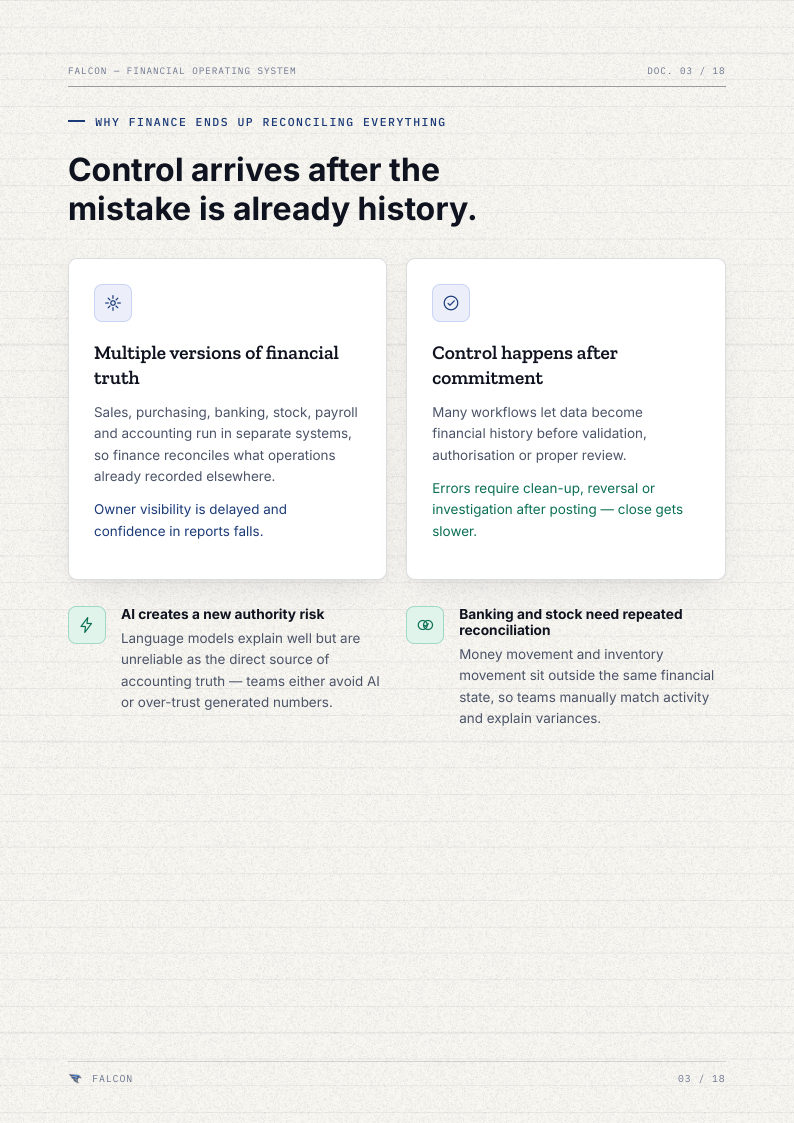
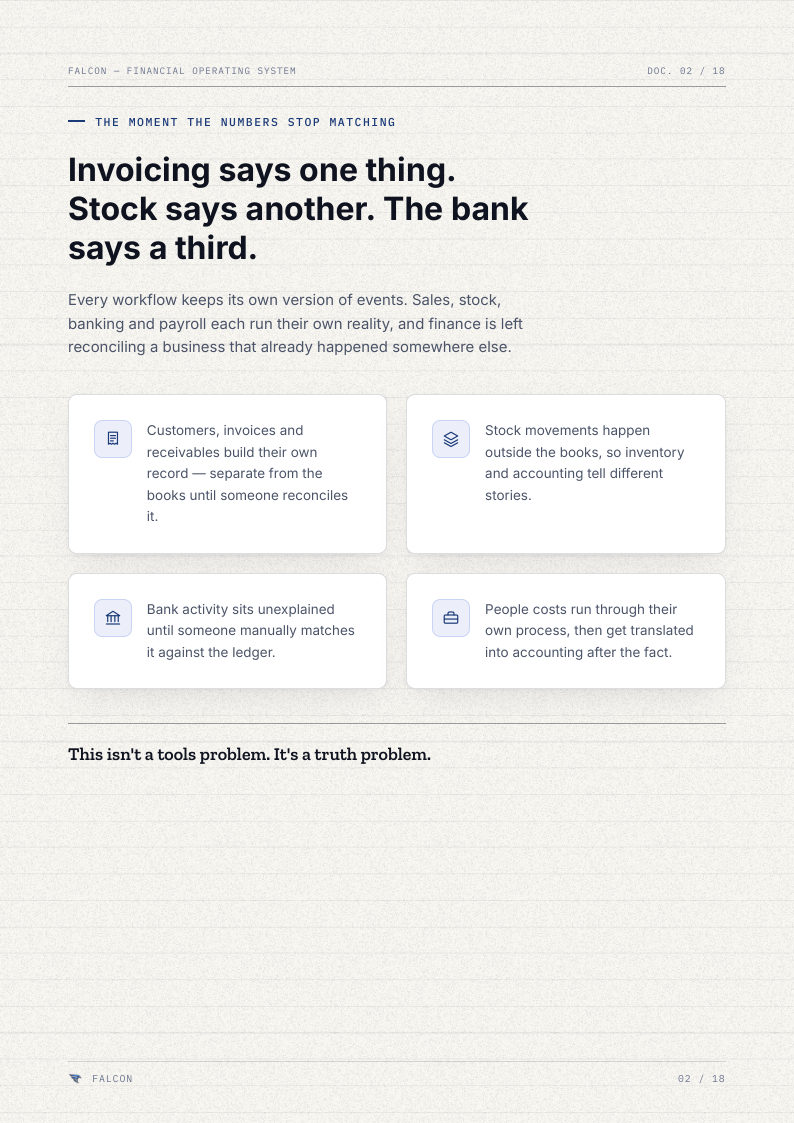
The real problem is not accounting. It is five different versions of your numbers.
Invoices are in one tool. Stock is in another register. Bank statements come later. Salaries sit in a sheet. GST is worked out at month-end. Your accounts team spends its time making all of these agree.
- Today
- With Falcon
Five places, five different numbers
Your billing app, stock sheet, bank statement and salary sheet each show a different number.
A drawing to compare two ways of working. Not real company numbers.
With Falcon, the books are kept up to date as work happens, not fixed at the end of the month. Every sale, purchase and payment goes into the books on the same day, after the right checks.
Not just billing software with AI added. One system for all your business money.
Falcon records how money moves through your business. Every part of your work goes into the same account books, and every entry is checked before it becomes final.
Today, accounting, stock and salary tools each keep their own numbers. With Falcon, all of them go into one set of books.
Instead of a chatbot making up the numbers, the AI only suggests. Falcon checks, and its fixed rules do the recording.
Instead of cleaning up mistakes after they are in the books, every entry is prepared, checked and approved first.
Instead of working out later who changed what, Falcon keeps the history, with proper corrections and month closing built in.
Seven parts. One set of books.
Each part handles one kind of work, like selling, buying or stock. Everything goes into the same account books, with the same checks, so there is no second system to match later.
Every important entry is checked before it goes into the books.
Prepare. Check. Approve. Record. Match. Keep the history. Each step is separate, so mistakes are caught early and everyone can see who did what.
- Prepare
- Check
- Approve
- Record
- Match
- History
Someone makes the invoice
A sales invoice for ₹48,200 is made. It is only a draft, so nothing is in the books yet.
A drawing with example data, not your real books.
- No silent changes
- Clear who did what
- Easy to review
- Less stress at month-end
- Any number can be explained later
Ask in plain words. The answer comes from your real books.
Ask things like “how much cash do we have?” and get a clear answer from your real numbers. The AI can also prepare an entry for you, show you exactly what it will do, and wait for your yes. Falcon's own rules do the recording, not the AI.
- Cash in hand
- Who owes us money
- Who we owe
- Profit and loss
- Month-by-month trends
- GST position
- Top customers
- Top suppliers
- Putting entries into the books
- The totals in the books
- Your financial statements
- Correcting or cancelling entries
- Checking that the books add up
The AI suggests. Falcon checks. Your books record.
- Cash
- Owed to us
- GST
- Books OK?
How much cash do we have?
₹6.2 lakh in two bank accounts, counting only bank entries a person has confirmed.
Example answers with made-up numbers. In Falcon, answers come from your own books, and the AI never changes them.

Plain words on top. Proper accounting underneath.
One system. Four very different questions.
Owners want a clear picture. Accountants want control. Staff want it simple. Approvers want to trust it. Falcon answers each of them from the same books.
- “Do I really know where my money is?”
- “Why does every department give me a different number?”
- “Can I see dues, cash, stock and profit without calling five people?”
- “Will AI make this easier, or just riskier?”

The checks are built in, not hidden in settings.
Roles, approvals, checks before anything is final, health checks on the books, a history of every change, proper corrections, month closing and clear limits on the AI. All of it is part of Falcon from day one.
- 01
Roles decide who can do what
What each person can prepare, approve or record depends on their role.
- 02
Approvals
Important entries can go to a second person for approval before they become final.
- 03
Checked before final
An entry starts as a draft. It is checked, approved, and only then recorded in the books.
- 04
Health checks on the books
Falcon keeps checking that the books add up and shows problems early, not months later.
- 05
History of every change
Who did what, and when, is always kept.
- 06
Corrections done properly
A wrong entry is corrected with a new entry and a note. Nothing is quietly edited.
- 07
Month closing
Closing or reopening a month is a deliberate step that needs permission.
- 08
AI limits
The AI can only do a fixed list of things. Every action is checked, previewed and confirmed by a person.
These are things Falcon does. We do not claim certificates we do not have. What is covered for GST and tax is confirmed with you before you start.
Moving your old data is done carefully, not copied blindly.
Your old data first goes into a holding area. Falcon shows any problems, and a person fixes them. Only then is the data recorded in Falcon's books.
- Bring in
- Check & fix
- Record
Old data goes to a holding area
Your data from Tally lands in a holding area first. Nothing is in the books yet.
A drawing with example data, not your real books.
Show us your biggest money headache.
We will show you how Falcon would handle it. Invoices, purchases, bank entries, stock, salaries, the books, or all of them. Start with the part that causes the most month-end trouble.
No generic slideshow. Just show us how your business works today.
Falcon — The Financial Core (Brochure Edition 2026)
PDF · 18 pages