

Your GST numbers, built from the bills you already made.
Falcon prepares your GST and tax working from the invoices and bills already in the books. No re-typing at month-end.

Tax & GST, linked to your books.
- GST numbers prepared from your own invoices and bills
- Supported tax steps for Indian businesses
- Built to connect with e-invoicing systems
- Every number has the bill behind it
- TDS and GST details on purchases, where supported
Falcon prepares the GST and tax numbers for you. Whether the return is filed from inside Falcon, through a partner service, or outside depends on your setup.
We tell you exactly what is covered before you start. We do not claim that every return is filed automatically.
- Collected
- Claim back
- To pay
GST you collected
Worked out from your sales invoices, for example ₹1,30,420 in a month.
A drawing with example data, not your real books.
Prepare. Check. Approve. Record. Match. Keep the history.
Every tax & gst entry follows the same steps as the rest of the books, so nothing changes quietly and everyone can see who did what.
- Prepare
- Check
- Approve
- Record
- Match
- History
Show us how you handle Tax & GST today.
Tell us about the tools, the sheets and the month-end chasing. We will show you how Falcon would bring it into one set of books.
No generic slideshow. Just show us how your business works today.
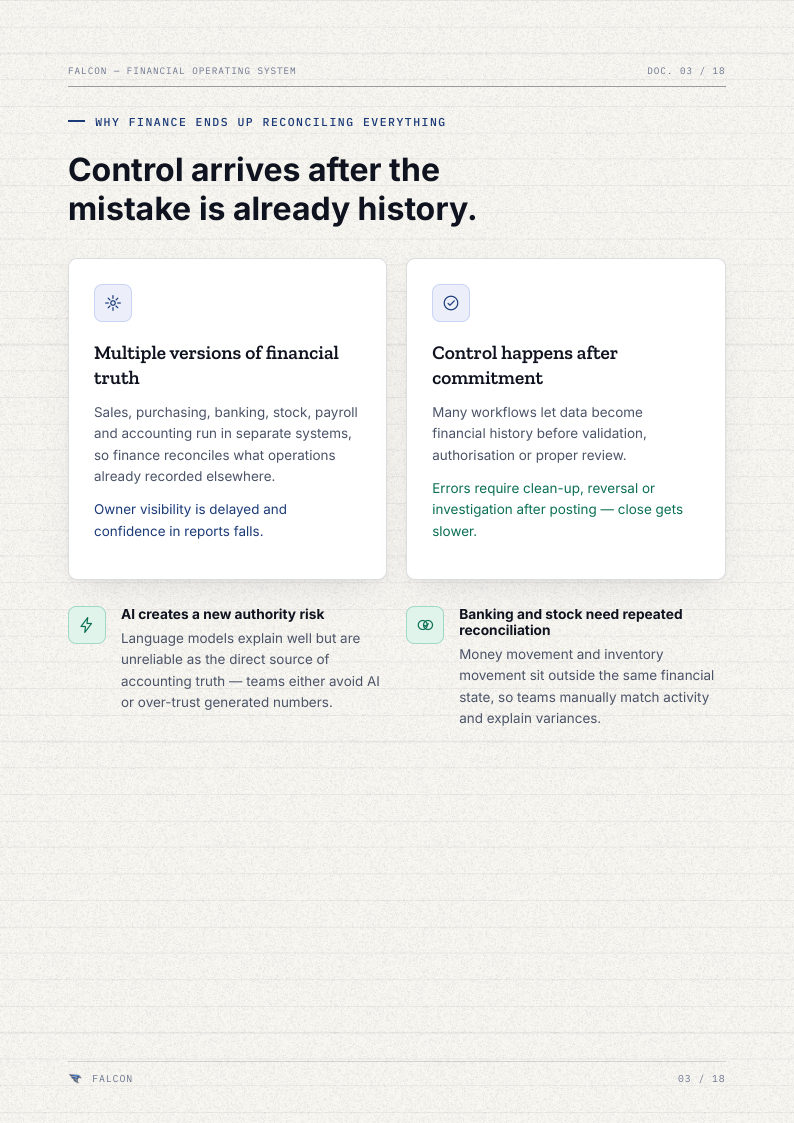
Falcon — The Financial Core (Brochure Edition 2026)
PDF · 18 pages