

Plain words on top. Proper accounting underneath.
Ask questions like “who owes us money?” and get a clear answer from your real books. The AI can also prepare an entry, show you exactly what will happen, and wait for your yes. The books hold the true numbers, not the AI.
Ask. Draft. Preview. Confirm. Record.
Whenever the AI prepares something for the books, it follows these five steps in order. Nothing skips straight to the books.
- Ask
- Draft
- Preview
- Confirm
- Record
Ask
Ask a question in plain words and get a clear answer from your real numbers.
- Cash
- Owed to us
- GST
- Books OK?
How much cash do we have?
₹6.2 lakh in two bank accounts, counting only bank entries a person has confirmed.
Example answers with made-up numbers. In Falcon, answers come from your own books, and the AI never changes them.
The AI suggests. Falcon checks. Your books record.
- Cash in hand
- Who owes us money
- Who we owe
- Profit and loss
- Month-by-month trends
- GST position
- Top customers
- Top suppliers
- Where expenses go
- Profit per item
- Health of the books
- Drafts and allowed actions
The AI puts the answer into words, but the numbers come from your real books. If it cannot answer a question, it says so instead of guessing.
- Putting entries into the books
- The totals in the books
- Your financial statements
- Correcting or cancelling entries
- Checking that the books add up
Falcon’s fixed accounting rules do the recording. The AI never writes to the books directly.
What the AI is allowed to do.
The AI can only do a fixed list of things. It cannot simply post whatever you type. Each allowed action has its own checks, permissions, limits, preview and confirmation.
- 01
A fixed list
The AI can only answer set questions and do set actions. “Post whatever I say” is not one of them.
- 02
Rule checks
Falcon checks the draft against business and accounting rules before you see it.
- 03
Permissions
Your role decides what you can ask for, prepare, approve or confirm.
- 04
Limits
Amount limits, open months and approval rules apply, as you set them.
- 05
Preview, then re-check
What you see in the preview is worked out again when you confirm, so what goes into the books is exactly what you approved.
- 06
Your yes
Important actions need a clear confirm. The entry keeps a record of who asked and who confirmed.
One of eight checks, not a back door.
The limits on the AI are one of the eight ways Falcon keeps your books safe. They work together with the other seven, never around them.
- Roles decide who can do what
- Approvals
- Checked before final
- Health checks on the books
- History of every change
- Corrections done properly
- Month closing
- AI limits
Straight answers about Falcon AI
Falcon AI
Can the AI put whatever it wants into the books?
No. The AI can only do a fixed list of things. Every action is checked against the rules, shown to you as a preview, and needs a person to confirm it before anything is recorded.
What can Falcon AI actually answer?
Questions about your real numbers: how much cash you have, who owes you and since when, who you owe, profit and loss, month-by-month trends, your GST position, top customers and suppliers, where expenses are going, profit per item, and whether the books are in good shape. It can also draft documents and prepare allowed actions for you to confirm.
What can Falcon AI never do?
It never puts entries into the books, never changes totals, never produces your financial statements, never corrects or cancels entries, and never decides whether the books add up. The AI can explain and prepare. Falcon's fixed rules do the recording.
See a plain-language request become a proper entry in the books.
In a walkthrough we ask questions and try actions on example data, and show you exactly where the checks, permissions, preview and confirmation happen.
No generic slideshow. Just show us how your business works today.
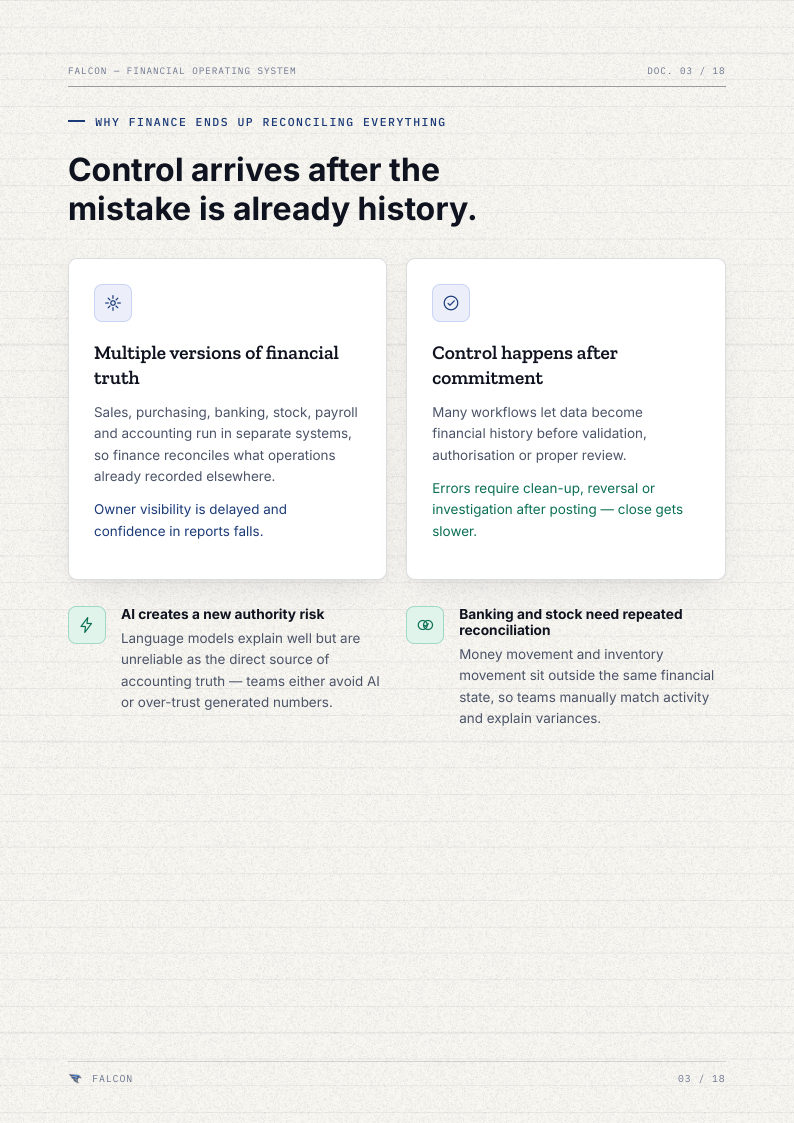
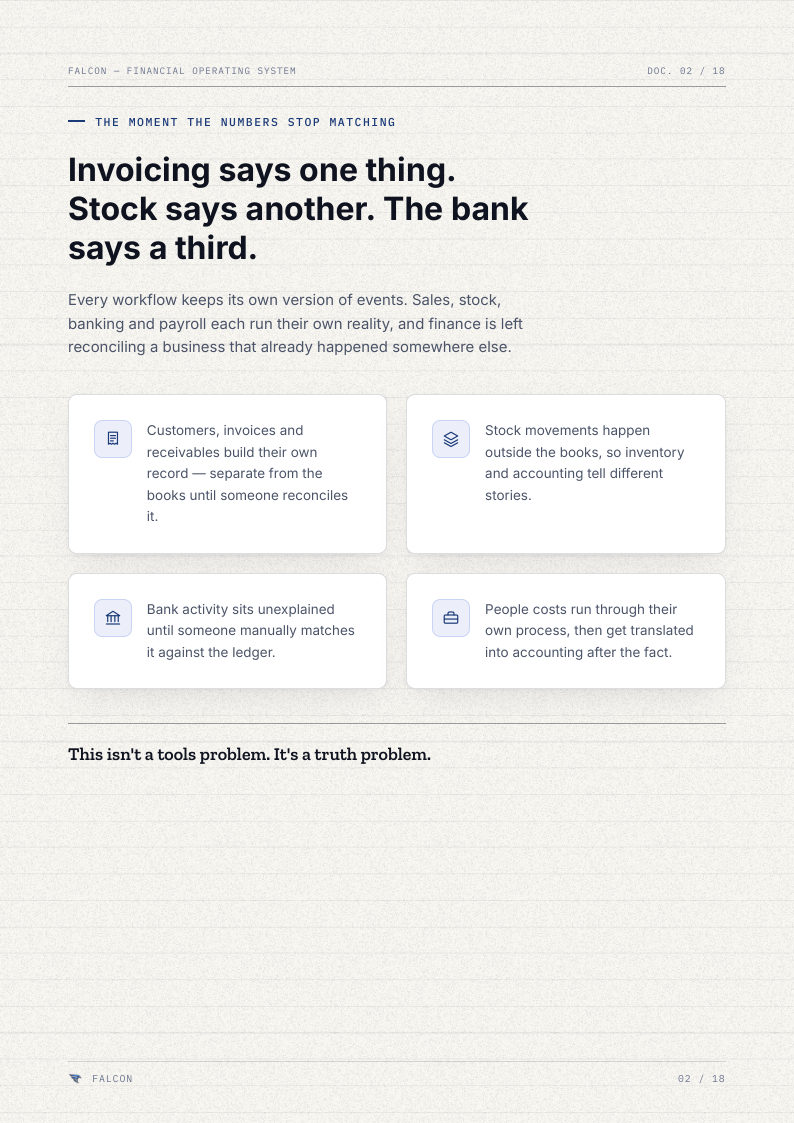
Falcon — The Financial Core (Brochure Edition 2026)
PDF · 18 pages