

Start with one invoice
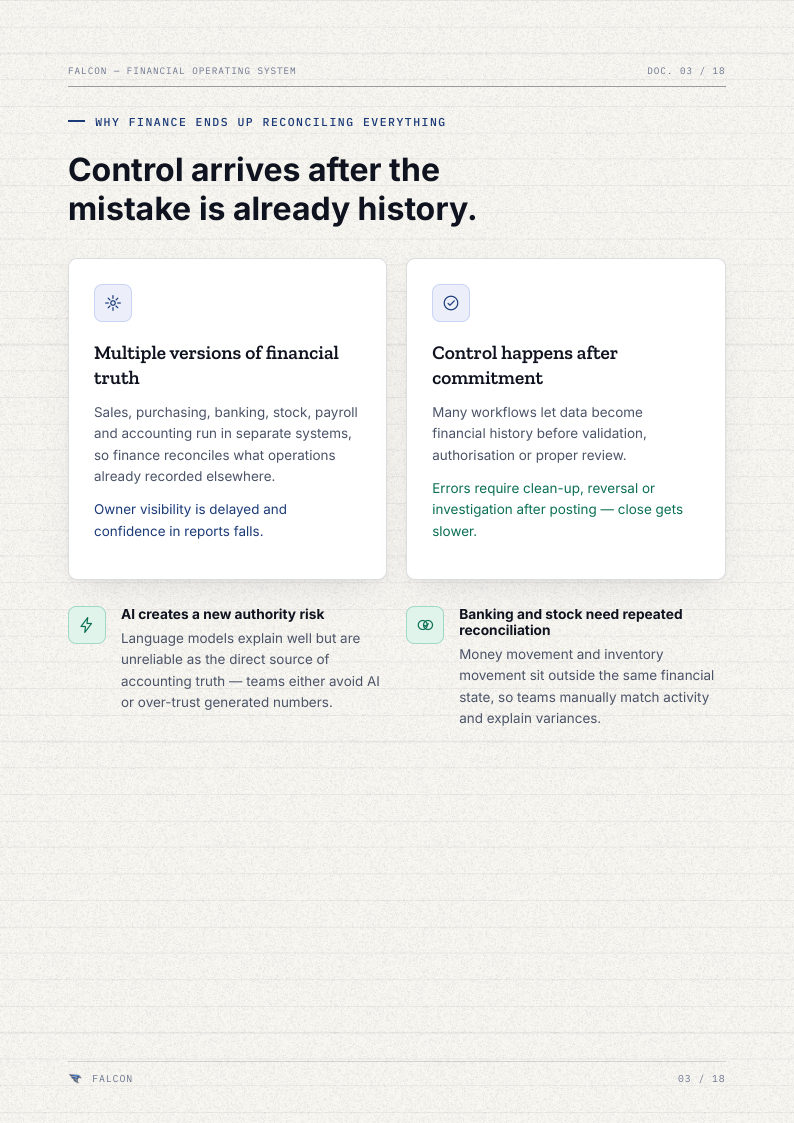
The easiest way to understand Falcon is to follow one invoice. A customer orders. Your sales team makes the invoice. The customer pays a few weeks later. At month-end, that amount must be right in the “who owes us” report, the bank matching, the GST numbers and the profit and loss.
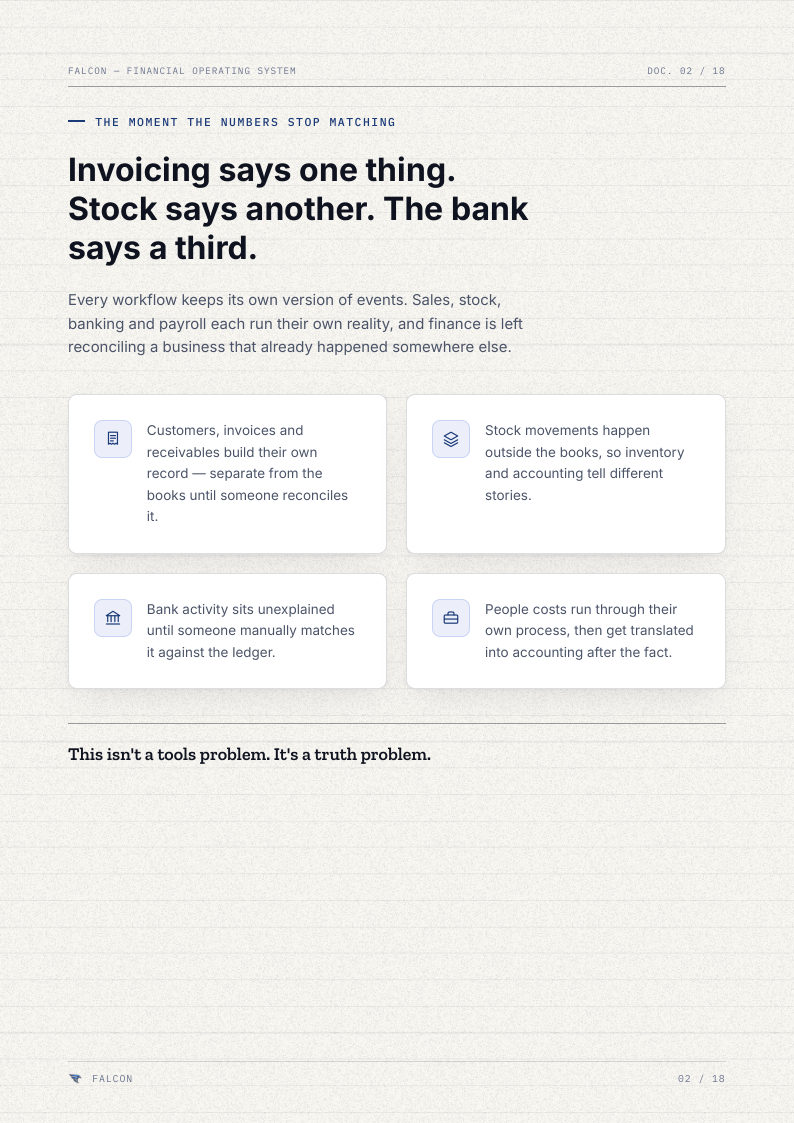
With separate tools, that invoice is typed again, checked again or explained again at every point. In Falcon it follows one path: six steps, one set of books.
Step 1: Work
The sales team makes the invoice in Sell, the normal way: customer, items, terms. They do not need to know which accounts it affects.
Every other job works the same way. Purchases go in Buy, bank entries in Money, stock in Stock, salaries in People, tax in Tax. Each thing is recorded once, where it happens.
Step 2: Check
Before anything is final, Falcon checks it. Is the customer real? Do the amounts add up? Is the GST right? Mistakes are caught here, while the invoice is still a draft.
Step 3: Approve
Where you want it, important entries go to a second person. The person who made the invoice is not the person who approves it. Everyone can see who did what.
Step 4: Record
This is the step that matters most. Falcon's fixed accounting rules put the invoice into the books as a proper double entry. The books hold the true numbers. Not the AI, not a spreadsheet, not a summary screen.
Step 5: Match
Weeks later, the customer pays. The bank entry comes into Money, is matched with this invoice, and a person confirms it. Health checks show anything that needs attention. When the month is closed, that closing is recorded too.
Step 6: Ask
Now the owner asks Falcon AI: who owes us money, and for how long? The answer comes from the books built by the five steps before. If someone asks the AI to do something, like record a payment, Falcon prepares it, shows a preview, checks permissions and waits for a yes.
Prepare → check → approve → record → match → keep the history. Every entry, every time. The same steps apply to normal entries, approvals, data moved in from old systems, and anything the AI prepares.
Why the order matters
Nothing is recorded before it is checked. Nothing important is recorded without approval. Nothing is matched against numbers that are not in the books. And the AI never sits before the books. It sits at the end, reading the books and suggesting actions that start again at step one.
That is why we say the AI helps with the books, but never keeps them.
The takeaway
When you look at any money software, follow one invoice through it. At each step ask: who checked this, who approved it, what recorded it, and what can we match it with later? If the answer anywhere is “nobody, it just went in”, that is where your month-end problems begin.